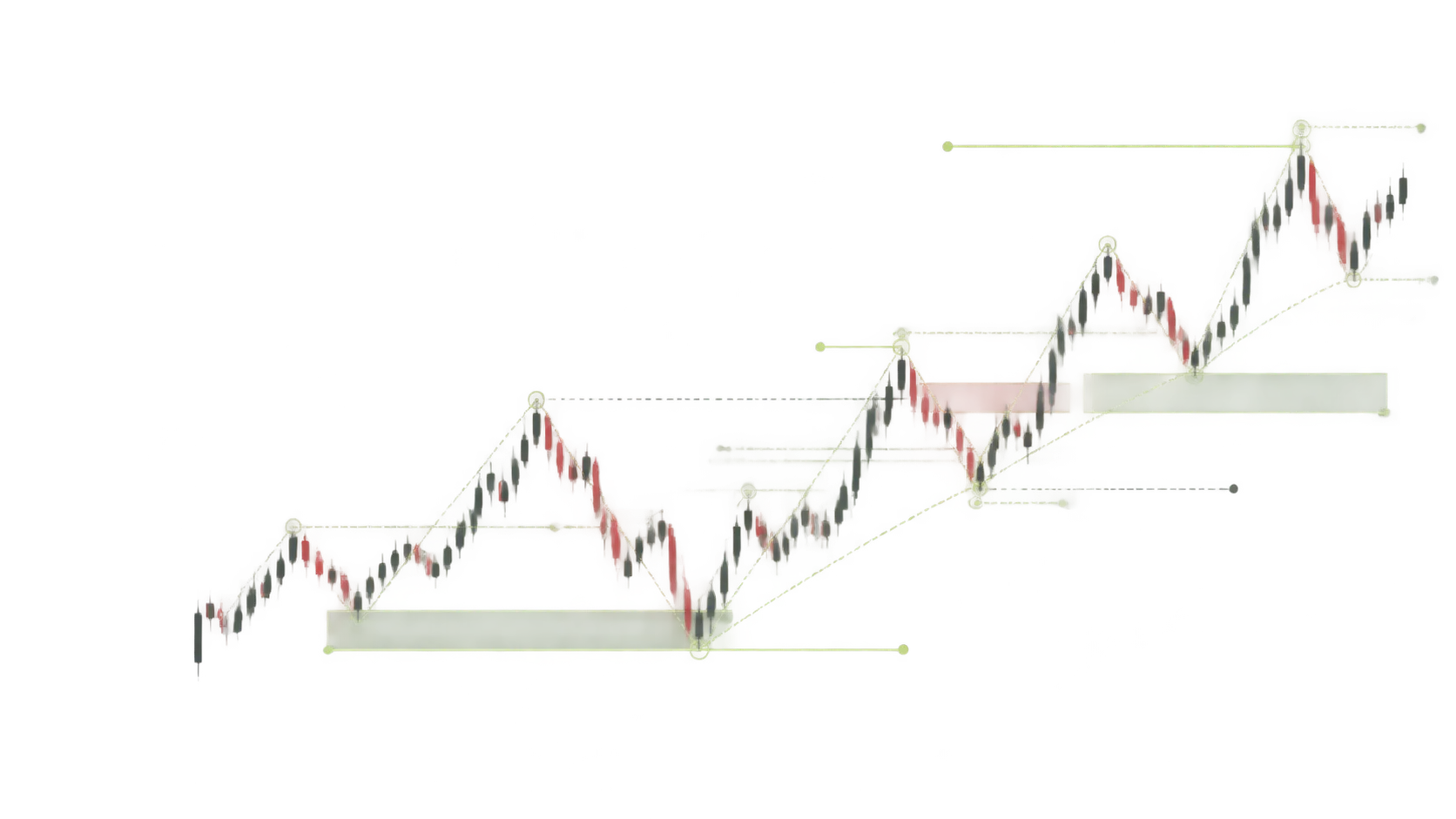
Read the market structure,
get precise smart-money setups.
YANKI analyses the crypto market with smart-money concepts, from the weekly chart down to 15 minutes, and shows every complete setup on the chart with its entry zone, stop loss, break-even point and three take-profit targets. Automatic copying on your own exchange is coming soon.
We follow the footprints of liquidity, not guesses.
YANKI works on smart-money concepts: price moves toward liquidity, and an entry only makes sense when structure, entry zone and target confirm at the same time.
- 01Liquidity
Weekly, daily, 4-hour and Asian-session highs and lows, sorted into three tiers, with sweeps detected.
- 02Market structure
Break of structure (BOS) and change of character (CHoCH) only on a candle close; a wick through is a sweep.
- 03Inducement
The nearest minor liquidity before the entry zone; taking it out is a confirmation.
- 04Blocks and FVGs
Strong order blocks, breaker and rejection blocks, and high-volume fair value gaps.
- 05Premium and discount
Buy in the cheap half and sell in the expensive half of the last move's range.
From analysis to a closed trade, six transparent steps.
A signal, an order and a position are three separate states. A setup may never become an order; the panel shows each step on its own, with its reason.
- 01ANALYZING
Analysis
Every watchlist symbol is read from the weekly chart down to 15 minutes: liquidity, structure, blocks and FVGs.
- 02SIGNAL READY
Setup ready
Only when every condition holds: entry block, target liquidity, inducement, confirmation and reward-to-risk.
- 03RISK VALIDATION
Risk check
Stop distance, reward-to-risk and your account limits are checked again before entry.
- 04ORDER SUBMITTED
Order sent
When the price reaches the entry zone, the order goes to the exchange at the size your settings give.
- 05POSITION OPEN
Position open
Stop loss and take profit sit on the exchange; break-even and staged profit taking run automatically.
- 06CLOSED
Closed
At the target, the stop or your own decision. The result, fees included, is kept in the trade history.
Automatic execution on subscriber exchange accounts (steps 4 to 6) is coming soon; until then the setups, with entry, stop and targets, are in the panel.
Your capital stays on your exchange.
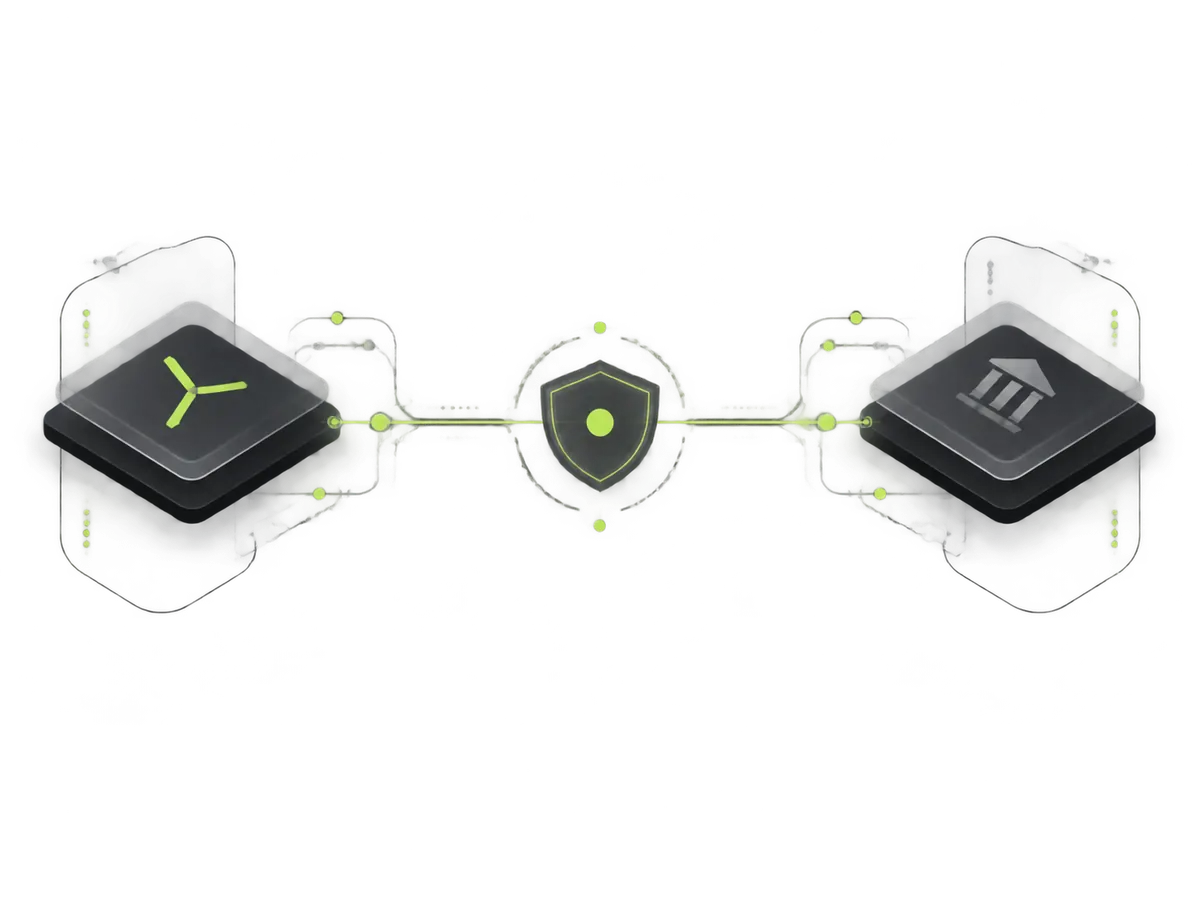
Your exchange account connects with a restricted API key. YANKI only places orders; you set the trade size, leverage and loss cap.
- An API key with trade permission only; withdrawal permission is never needed.
- Keys are encrypted with AES-256-GCM before they are stored and are never shown again.
- Connection test: balance, key permissions, bid and ask, minimum order and fees.
- Copying switches off with one toggle at any time, and you can close positions yourself.
- BinanceUSDT futures
- OKXUSDT futures
- BitgetUSDT futures
- BybitUSDT futures
- HyperliquidUSDC futures
- LBankSpot, long only
- Gate.ioUSDT futures
We define the risk before the profit.
Every position has a stop loss from the moment it opens. Once the price moves in favour, the stop moves to the entry and profit is taken in set steps.
You choose each trade's leverage (up to 20x). High leverage shows a risk warning.
The share of your balance you accept losing if the stop is hit; a far stop makes the trade smaller.
After a 1.5R move in favour, the stop moves to the entry.
30% at TP1, 50% at TP2 and the rest at the target; no profit is taken before break-even.
$100 of margin at 5x leverage is a $500 position. If the stop is 2% from the entry, the possible loss is about $10, not $100. The panel shows these two numbers separately.
- TP3Target: the target liquidity — close the remaining 20%
- TP2Second liquidity on the way — close 50% and raise the stop
- TP1First liquidity after break-even — close 30% of the size
- 1.5RBreak-even — the stop moves to the entry
- ENTRYEntry zone — order block in the trade direction
- SLStop loss — beyond the structure, on the exchange
7 days free, then one of the packages.
Every package has the same features and differs only in length and price. You pay in the panel with crypto, and the subscription opens automatically once the transaction is confirmed on the network.
- Smart-money analysis of every watchlist symbol
- Chart with entry zone, stop and targets
- Copy trading on your own exchange (coming soon)
- Automatic break-even and three-step take profit
- Support by ticket
- Smart-money analysis of every watchlist symbol
- Chart with entry zone, stop and targets
- Copy trading on your own exchange (coming soon)
- Automatic break-even and three-step take profit
- Support by ticket
- Smart-money analysis of every watchlist symbol
- Chart with entry zone, stop and targets
- Copy trading on your own exchange (coming soon)
- Automatic break-even and three-step take profit
- Support by ticket
Know this before you start.
If your question is not answered here, write to us. Our guides and articles are in Persian.
Does YANKI guarantee a profit?
No. YANKI is a rule-based analysis and execution system, and no strategy wins all the time. Losing periods are normal; trade only with money you can afford to lose.
Where is my money held?
On your own exchange account. YANKI places orders through an API key with trade permission only and never asks for withdrawal permission. Keys are stored encrypted and are never shown again after saving.
Which exchanges does YANKI connect to?
Binance, OKX, Bitget, Bybit, Hyperliquid, Gate.io for futures; LBank for spot only (long signals, no leverage).
How does the free trial work?
After signing up with your email you get 7 days of full access, with no payment to start. Subscription days you buy later begin when the trial ends.
What happens when my subscription ends?
Your account and settings are kept, and you can still sign in, buy a package and use support; the analysis, signals and copy trading pause until you renew. You get an email and a notification one day before the end.
How do I pay?
In the panel you choose a package and a currency; the exact amount and wallet address are shown. After sending, you submit the transaction ID (TXID); the transaction is checked on the blockchain and the subscription opens automatically. Accepted: USDT, ETH, BNB, POL.
How often is the analysis updated?
Each watchlist symbol is re-analysed at least every 15 minutes, and sooner when the price crosses an analysis's entry zone, stop or target.
How is each trade sized?
By your settings: margin per trade × leverage, capped by your maximum loss at the stop (a share of your balance) and the number of positions open at once. A far stop makes the trade smaller.
When does copy trading start?
Automatic copying on subscriber exchanges is coming soon. Until then the analysis and setups, with entry zone, stop and targets, are in the panel, and you can connect and test your exchange now. Your settings are kept; if you switch copying on in the panel, it starts by itself once it goes live.
Can I switch copy trading off or close a position myself?
Yes. Copy trading switches off with one toggle in the panel, and you can close any open position from the panel or directly on the exchange.
YANKI analyses, you decide.
Create your account with an email, connect your exchange with a restricted key and set the trade size yourself. No password: every sign-in uses a one-time code.